Why every automation needs a heartbeat
Most monitoring is built to catch things that go wrong loudly: an error, a crash, a red line on a graph. But the failures that hurt the most are the quiet ones — the scheduled job that simply stops running, the workflow someone switched off and forgot, the trigger that goes stale overnight. Nothing errors. Nothing turns red. The work just quietly stops happening, and you find out when a customer asks where their invoice is.
There’s a decades-old trick for catching exactly this kind of silence, and it’s almost boringly simple: make the thing prove it’s still alive. Engineers call it a heartbeat. This post is about what it is, why it works so well, and why the automations running your business deserve one as much as any server does.
The short version:
- A heartbeat is a small signal a job sends every time it successfully runs, and a monitor expects it on a schedule.
- If the signal stops arriving, that absence is the alarm — so you catch the jobs that silently stop, not just the ones that loudly fail.
- Engineers have done this for cron jobs and backups for years. The same blind spot now lives in Zapier, Make, and n8n automations, and the same fix works.
The absence of an error is not the presence of success
Traditional monitoring waits for something bad to happen and then tells you about it. A heartbeat does the opposite: it waits for something good to stop happening.
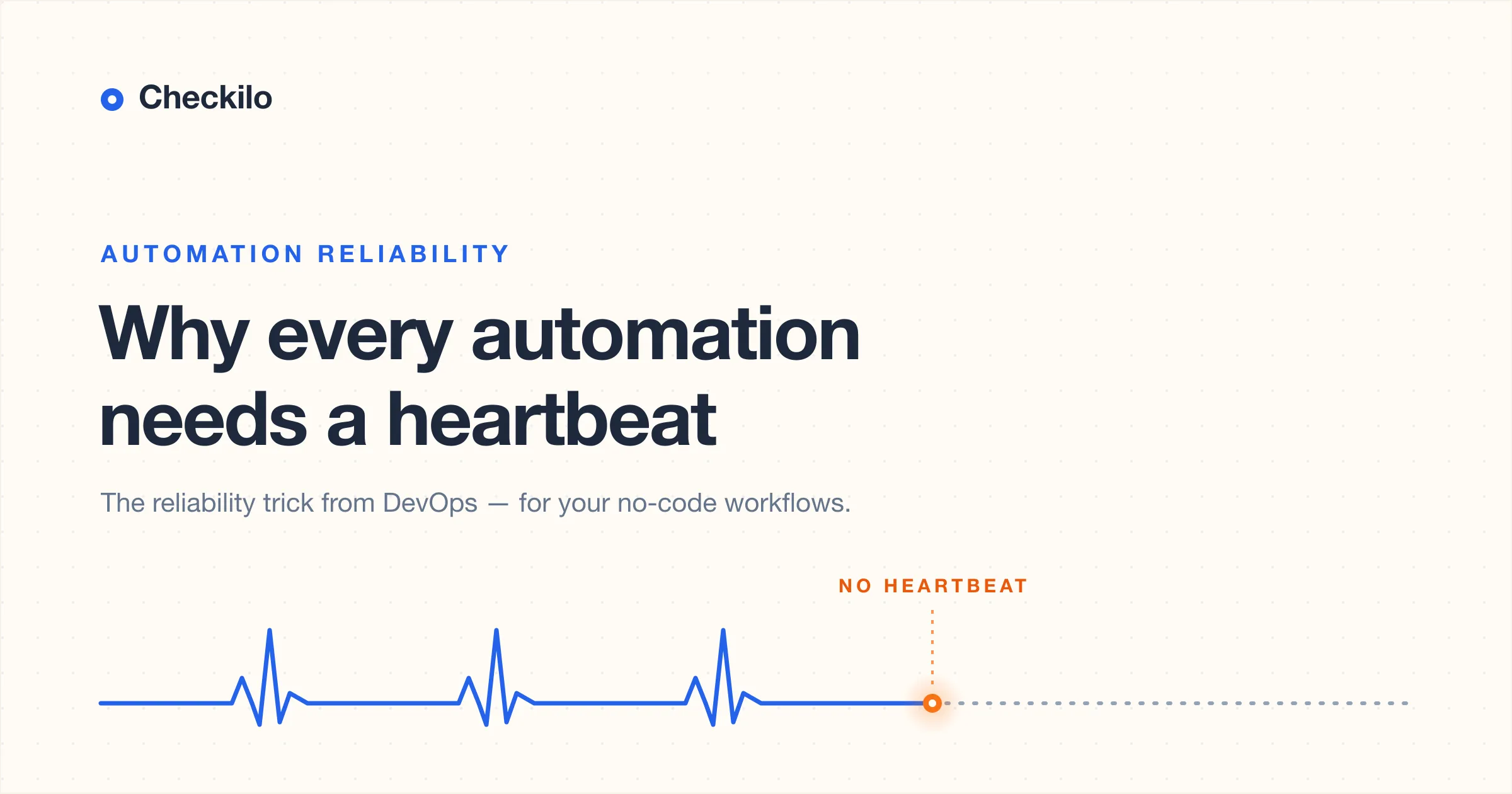
The mechanic is plain. Every time a job finishes its real work, it sends a tiny signal — a single HTTP request to a unique URL. A monitor on the other end knows roughly when to expect that signal. As long as it keeps arriving on time, everything is fine and you hear nothing. The moment it arrives late, or doesn’t arrive at all, the monitor raises the alarm.
The subtle, powerful part is what triggers that alarm: not an error, but silence. A crash report can only ever tell you about code that ran. A heartbeat tells you about code that didn’t — the run that never started, the schedule that quietly died, the machine that went dark. Those are invisible to almost everything else, because “nothing happened” is not an event that anything bothers to record.
Engineers sometimes call this a dead man’s switch, after the old railway safety device. A train driver had to keep a pedal pressed down; if they ever let go — asleep, collapsed, gone — the train stopped itself. The safety came from the absence of input, not the presence of it. A heartbeat is that same idea pointed at software. You’re not waiting for something to go wrong. You’re noticing the moment something stops going right.
Why the DevOps world figured this out first
For people who run servers, silent failure is an old enemy. A nightly backup, a database cleanup, a cron job that renews a certificate — these run unattended, on a schedule, with nobody watching. And the systems that run them all share one fundamental blind spot: a job’s logs can only record the runs that happened. They have no way to tell you about the run that didn’t, because absence isn’t something they write down.
So engineers reach for the heartbeat. The pattern is so common it fits on a single line of a crontab:
0 2 * * * /usr/local/bin/backup.sh && curl -fsS https://example.com/ping/your-idThe && is doing the important work here. The ping only fires if backup.sh
actually succeeds. If the script fails, or the server is down, or someone deleted
the schedule entirely, the ping never arrives — the monitor notices the gap, and
a human gets told. A whole small ecosystem of tools grew up around this one idea,
precisely because it catches the failures that everything else misses.
If you’ve worked in infrastructure, none of this is news. It’s plumbing. It’s the kind of thing you set up once and forget. Which is exactly why it’s worth looking at again — because that boring, reliable plumbing never made it out of the server room.
The same blind spot now lives in your automations
Here’s the shift almost nobody talks about: the cron job never went away. It grew a friendly interface and moved into the browser.
A Zapier Zap, a Make scenario, an n8n workflow — these are scheduled, unattended jobs doing business-critical work. They sync your CRM, send invoices, route leads, push orders to a warehouse. And they fail in exactly the same quiet ways a cron job does:
- Someone toggles the automation off while testing and forgets to switch it back on. There are no failed runs to see, because there are no runs at all.
- A trigger goes stale — an expired token, a changed webhook — and it simply stops firing.
- A filter or condition silently matches nothing, so every run “succeeds” by doing precisely nothing.
- A downstream app returns a cheerful
200 OKand then rejects the record for a reason your workflow never sees.
Every one of these produces a run history that looks perfectly healthy. The platform is telling you the truth about what it saw — it just can’t see the thing you actually care about, which is whether the work got done.
The real difference isn’t the technology. It’s who’s holding the pager. Backups are run by engineers who inherited the heartbeat habit along with the job. Business automations are run by operations leads, founders, and marketers who never did — not because they’re careless, but because nobody ever told them this was a thing you’re supposed to do. So the most important automations in a lot of companies run with no pulse check at all, and the first sign of trouble is a person noticing something missing days later.
What a heartbeat looks like for a no-code automation
The good news is that the fix crossed over intact. You don’t need a server or a line of crontab to use a heartbeat — you need one extra step at the end of your automation, and something on the other end that expects it.
In practice:
- Pick the moment that proves the real work happened. Place your checkpoint after the invoice was created, the row was written, the message was sent — not at the start of the workflow, where intent is cheap.
- Add one step there that makes a simple HTTP request to a unique URL. In Zapier that’s a Webhooks action; in Make, an HTTP module; in n8n, an HTTP Request node.
- Tell a monitor how often to expect that request. If it ever arrives late, or not at all, you get an alert instead of a silent gap.
That’s the entire technique. It’s the same one-line curl that engineers use,
just expressed in buttons instead of a terminal — a GET or POST to a URL that
looks like this:
https://example.com/ping/your-unique-idPlacement matters more than anything else. Put the ping after the step whose success you genuinely care about, and a skipped filter or a dropped record means no ping fires — which is exactly what you want it to mean. For a multi-step workflow, a checkpoint on each critical stage tells you which part went quiet, not merely that something did.
Giving a pulse to automations that were never meant to be monitored
Standing up your own monitor — somewhere to receive those pings, the logic to track each schedule, the alerts when one goes missing — is a small job if you already run infrastructure. If you don’t, it’s the weekend project you’ll never quite get to. That gap is the reason we built Checkilo: it gives each automation a URL to ping and watches for the silence on your behalf, then tells you — by email, Slack, Discord, Telegram, LINE, Teams, or a plain webhook — the moment an expected heartbeat doesn’t show up. No servers, no cron, no engineering team required; setup takes about a minute.
But the tool is secondary, and that’s the point. The idea is what matters: the automations your business depends on should be able to tell you they’re still alive — and you shouldn’t have to be the one quietly checking.
Common questions
Isn’t this the same as the error notifications my platform already sends?
No, and the difference is the whole point. Your platform’s notifications fire when a run fails — when something executes and throws an error. A heartbeat fires when a run doesn’t happen at all: the automation that was switched off, the trigger that went stale, the schedule that quietly stopped. That’s the exact case your platform can’t warn you about, because from its side, nothing happened.
Where should the ping go in my workflow?
After the step that does the work you care about, never before it. If you ping at the start, you’re only confirming the workflow began — not that it finished, or that it did anything useful. Putting the heartbeat at the end means a failed or skipped step results in no ping, which is precisely the signal you want.
What if my automation is only supposed to run sometimes?
Set the expected interval to the longest gap that’s still normal, so an ordinary quiet stretch doesn’t trip a false alarm. For workflows that legitimately do nothing on some runs, you can send the heartbeat on both paths — the “did the work” path and the “correctly had nothing to do” path — so the monitor can tell the difference between nothing to do and not running.
Do I need to be technical to set this up?
No. The heartbeat habit came out of engineering, but the implementation is now just a single step in tools you already use — one HTTP request, no code. The concept is the valuable part, and it travels perfectly well from the server room to a no-code automation.